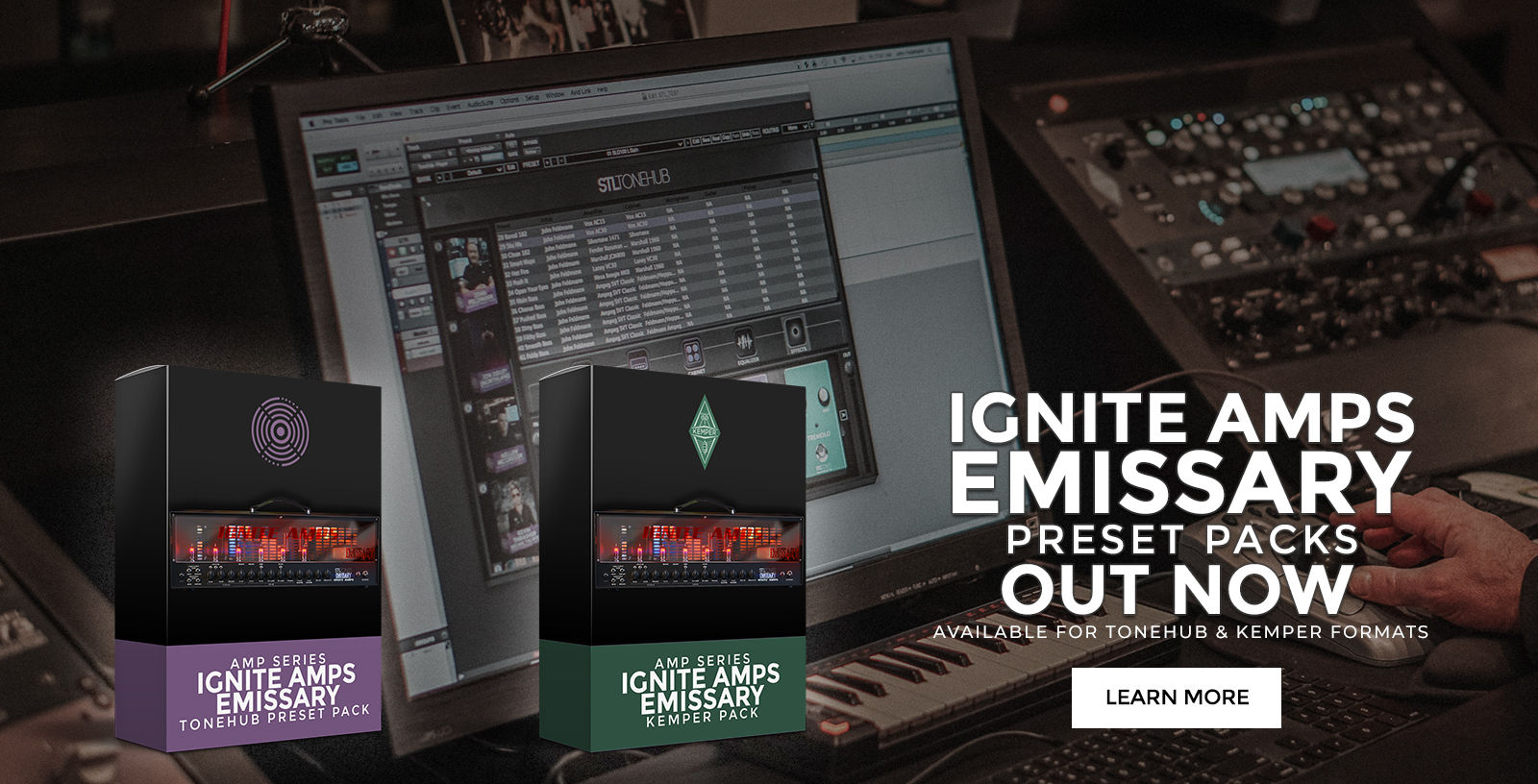
The Ignite Amps project was born in 2006, by the desire of two musicians to come out of the canons of the conventional amplification music market, trying to undermine the need to adapt to "pre-packaged" products. Our approach was simply to start building what we needed.
We've been coding our amp simulations since 2009 and we know a thing or two about how analog modeling works by now. Our plugins are known worldwide and recognized by many as the best out there. Try us: ask us for your custom physical amplifier and we'll provide you with an incredibly accurate software simulation for it before we even start the actual build, so you can try the simulation and feedback us to get to your exact dream amplifier. huawei y9 prime 2019 frp unlock tool
SoftwareAfter simulating your custom amp using our state of the art software, we can start the physical build. This is something we do with great pride and passion, taking inspiration from the best Italian engineers and crasftsmen that during the last century created some of what now are the best car brands in the world. Top shelf engineering paired with passionate, dedicated work for the ultimate tone. Check your PC's Device Manager
HardwareCheck your PC's Device Manager. Under "Ports," it should display Huawei USB COM 1.0 . Once visible, you can remove the tweezers. Step 3: Wipe the Lock In UnlockTool, select the
: Provides diagrams or guidance on identifying the hardware pins needed to put the phone into Huawei USB COM 1.0 mode for deep-level access. Driver Management
Following a grainy diagram, he used a pair of metal tweezers to touch the test point while plugging in the USB cable. A quiet chime from his PC signaled success. The software recognized the . "Ready to Unlock?" the prompt asked.
Factory Reset Protection (FRP) on Android devices prevents unauthorized access after a factory reset by requiring the previously-synced Google account. The Huawei Y9 Prime 2019 (model numbers like STK-LX1, STK-LX3, etc.) may present FRP lock after resets. Tools and procedures exist to bypass FRP, but using them can be illegal or against terms of service when applied to devices you do not own. This report summarizes typical methods, tool types, risks, prerequisites, and safe/legal guidance.
. Standard tools often require hardware interaction, such as using a test point
: Known for "one-click" FRP resets on the Y9 Prime 2019.
Check your PC's Device Manager. Under "Ports," it should display Huawei USB COM 1.0 . Once visible, you can remove the tweezers. Step 3: Wipe the Lock In UnlockTool, select the
: Provides diagrams or guidance on identifying the hardware pins needed to put the phone into Huawei USB COM 1.0 mode for deep-level access. Driver Management
Following a grainy diagram, he used a pair of metal tweezers to touch the test point while plugging in the USB cable. A quiet chime from his PC signaled success. The software recognized the . "Ready to Unlock?" the prompt asked.
Factory Reset Protection (FRP) on Android devices prevents unauthorized access after a factory reset by requiring the previously-synced Google account. The Huawei Y9 Prime 2019 (model numbers like STK-LX1, STK-LX3, etc.) may present FRP lock after resets. Tools and procedures exist to bypass FRP, but using them can be illegal or against terms of service when applied to devices you do not own. This report summarizes typical methods, tool types, risks, prerequisites, and safe/legal guidance.
. Standard tools often require hardware interaction, such as using a test point
: Known for "one-click" FRP resets on the Y9 Prime 2019.